

The argument in favor of using filler text goes something like this: If you use real content in the Consulting Process, anytime you reach a review point you’ll end up reviewing.
The argument in favor of using filler text goes something like this: If you use real content in the Consulting Process, anytime you reach a review point you’ll end up reviewing.
Below, we’ll share the process we use to set up conversion tracking in GTM, with a real-world example from an HVAC company. Whether you’re tracking phone calls, form submissions, or other key actions, these steps will help you capture reliable data in GA4.
Before creating any conversions, make sure your GTM container is installed and functioning properly:
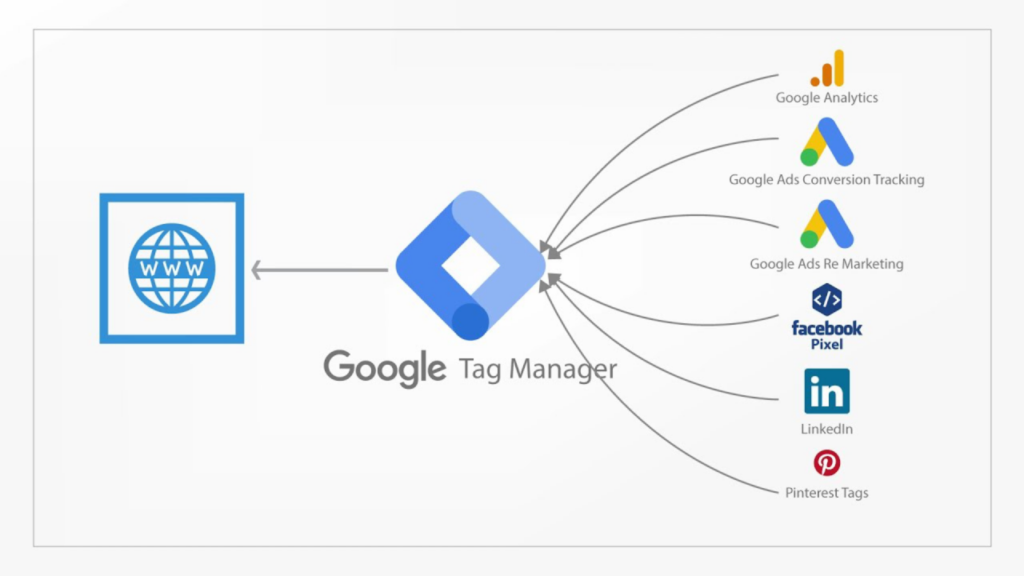
GTM uses three main components to make conversion tracking possible:
Once you know which variable you need, set up a trigger so GTM knows when to fire the tag.
Maybe you also need to track form submissions:
Now that your variables and triggers are set, you’re ready to link them to GA4: